Page 1 of 31
Messerschmitt bf109 G10
Posted: Tue Apr 28, 2026 1:19 pm
by FullMetal
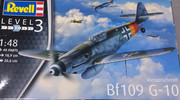
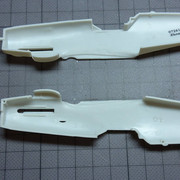
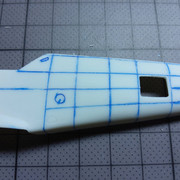
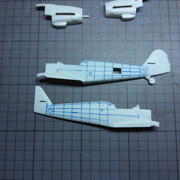
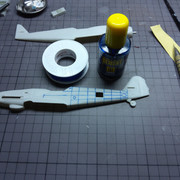
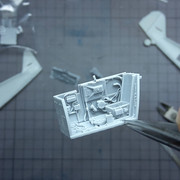
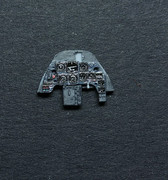
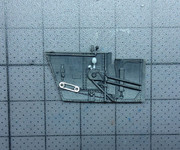
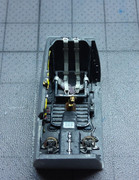
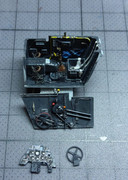
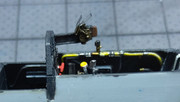
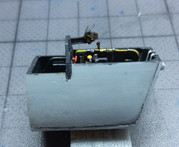
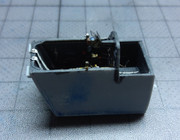
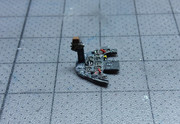
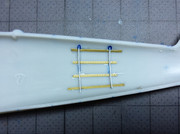
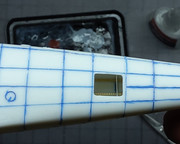
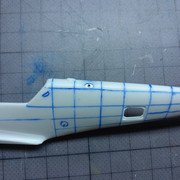
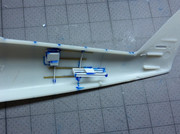
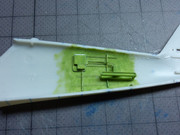
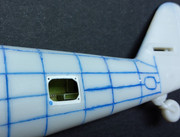
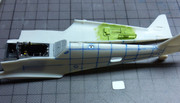
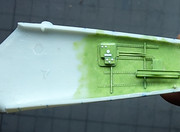
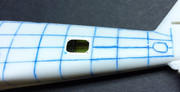
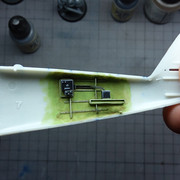
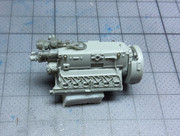
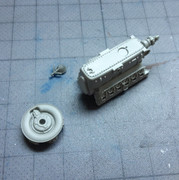
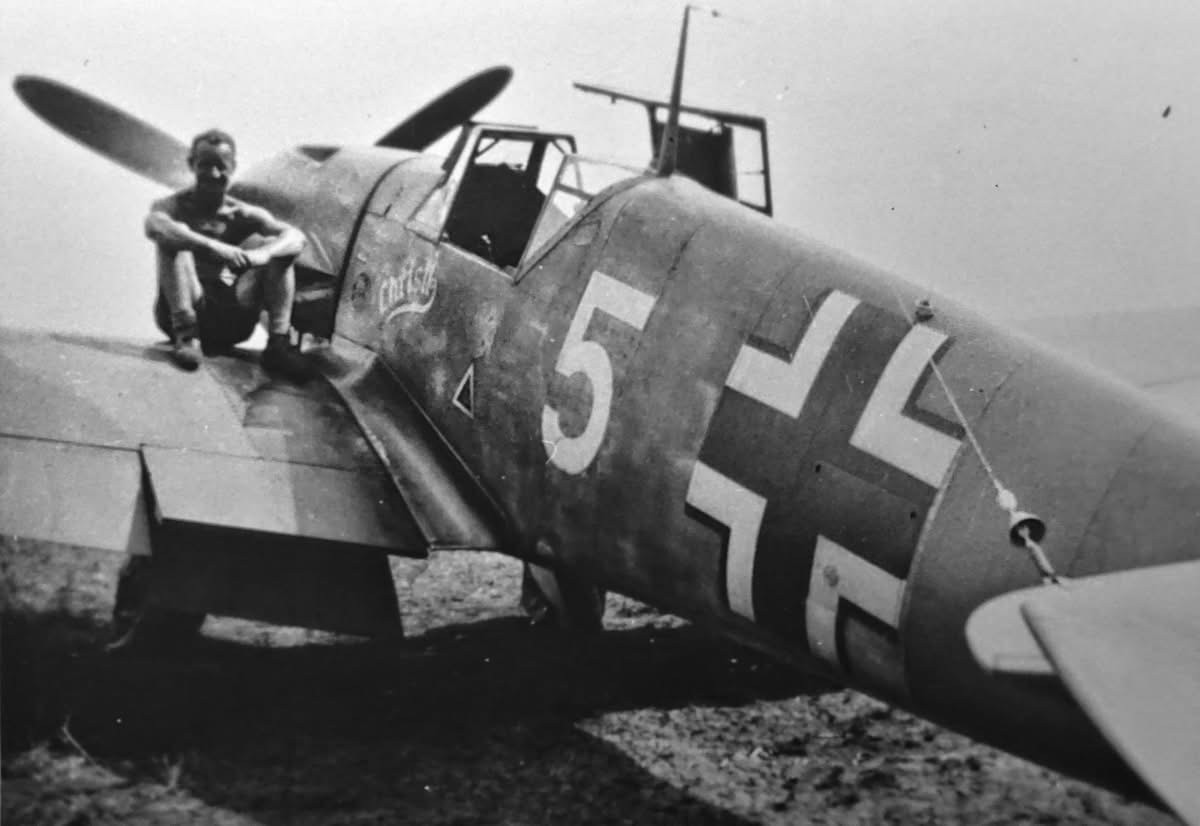
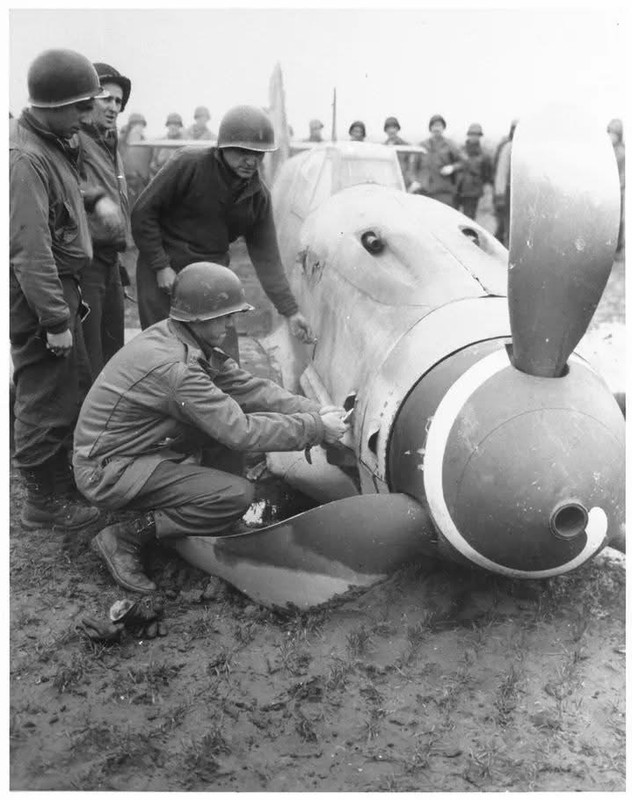
Well as the title said, this is my built of a Messerschmitt bf109 G10 from Jagdgeschwader "Udet" 3.
So with no futher due here is a little recap
Re: Messerschmitt bf109 G10
Posted: Tue Apr 28, 2026 1:28 pm
by FullMetal
Sorry I feel stupid i can't find a way to upload pictures...do you have a "howto" section?

Re: Messerschmitt bf109 G10
Posted: Tue Apr 28, 2026 1:39 pm
by speedgraflex
Hi this is Bruce one of the mods here.
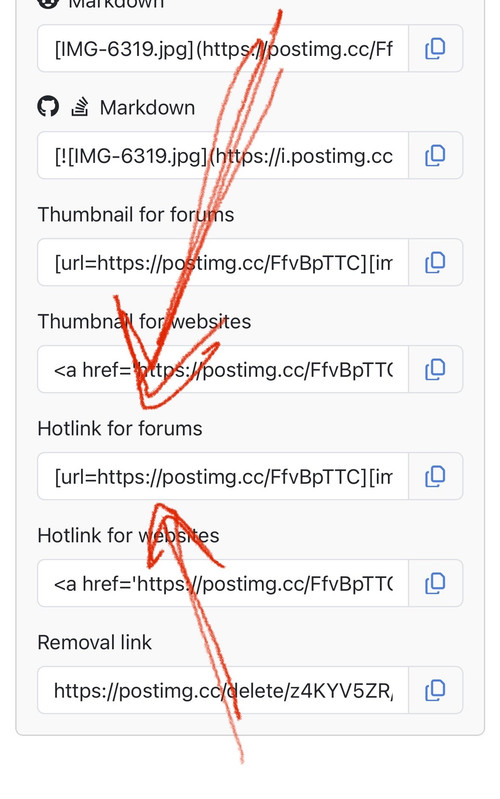
Here we use third party photo hosting sites that allow you to link to your images. I personally use “Postimages,” which according to the site will always be free.
https://postimages.org/
Upload to third party such as Postimages.
Copy the link or use the button to copy the link to your photo. Make sure you choose the “Forums” link.
Paste the link into your post.
Edit the link. You only want to post the section that begins with [img]
Re: Messerschmitt bf109 G10
Posted: Tue Apr 28, 2026 1:59 pm
by FullMetal
Re: Messerschmitt bf109 G10
Posted: Tue Apr 28, 2026 2:06 pm
by FullMetal
Re: Messerschmitt bf109 G10
Posted: Tue Apr 28, 2026 2:11 pm
by FullMetal
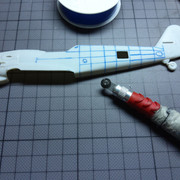
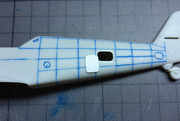
And here is where I am...

Sorry if I looked a bit dumb

before but thanks to

speedgraflex
i can post pics now.
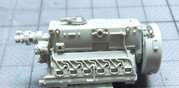
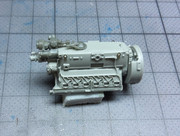
Re: Messerschmitt bf109 G10
Posted: Tue Apr 28, 2026 3:33 pm
by speedgraflex
Re: Messerschmitt bf109 G10
Posted: Tue Apr 28, 2026 3:50 pm
by Stuart
Bruce Beat me too it

Sorry Greg, I forgot to mention when I suggested the forum that we don't have a attachments function and you'll have to use a hosting site like postimages (I use my wordpress blog) - it sounds a PITA but it's actually very easy when you get into the swing of it and saves memory space on the forum.
Awesome that you've managed to post up photos, but if you want bigger images you can either use the hot links as Bruce (speedgraflex) suggested, or this method.
Once you click on the postimages link you get an option to resize if you need it.
 I normally choose large for forum use...
 Then click choose images obviously. When you get the links copy this one...
 Then go to the post and click the add image button to get img brackets - like you've done already.
 And then just insert the image link - again like you've done already.
 And then you'll get a bigger image - as I said, it sounds a pain but it actually takes longer to explain than to do once you get in the swing of it.
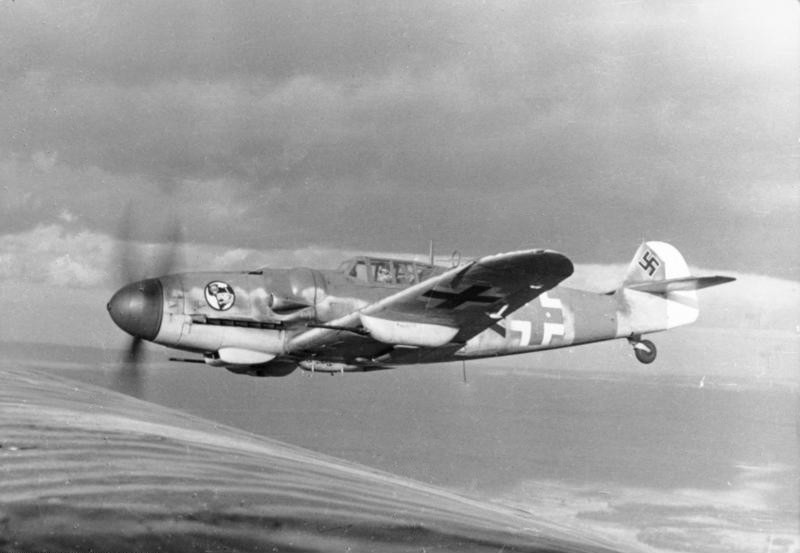
Hope that helps - good to see this build again.
Cheers!
Stuart (Arnie).
Re: Messerschmitt bf109 G10
Posted: Tue Apr 28, 2026 4:46 pm
by BlackSheep214
Yup. Bruce is spot on on which tab to use forums.
Re: Messerschmitt bf109 G10
Posted: Tue Apr 28, 2026 8:25 pm
by Stikpusher
I always use the second link up, “hotline for websites”….

That one works too!