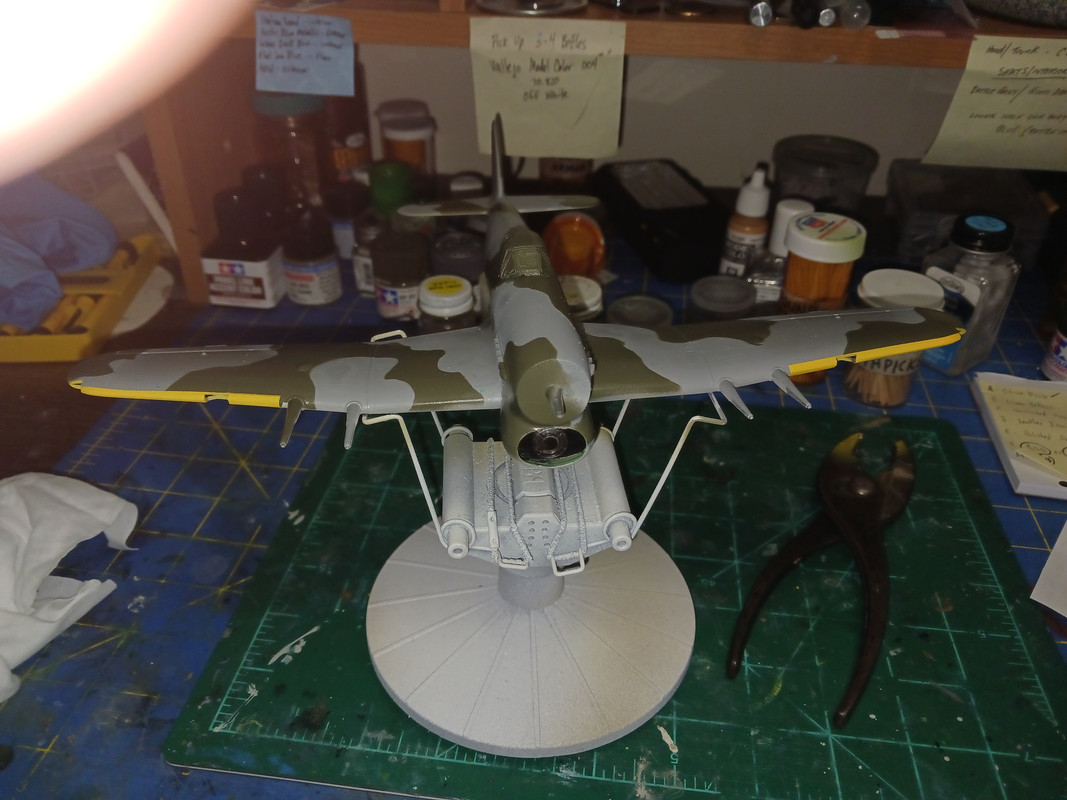
Here's something I have never, EVER encountered when doing decals..
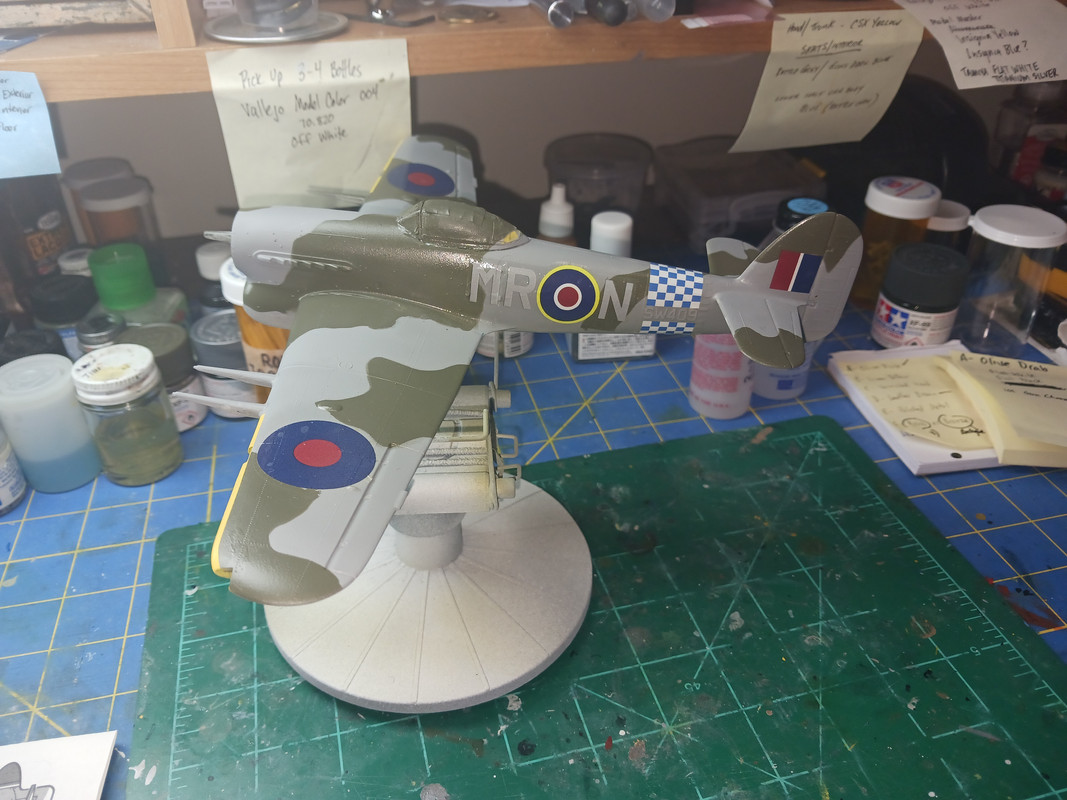
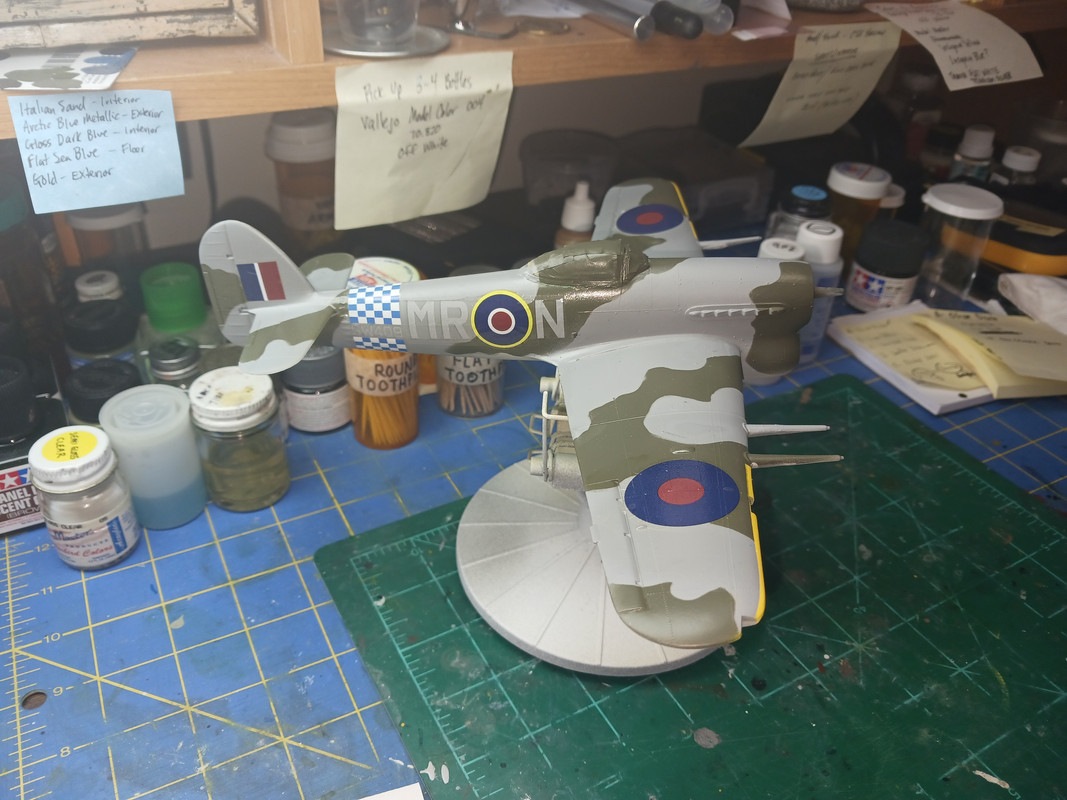
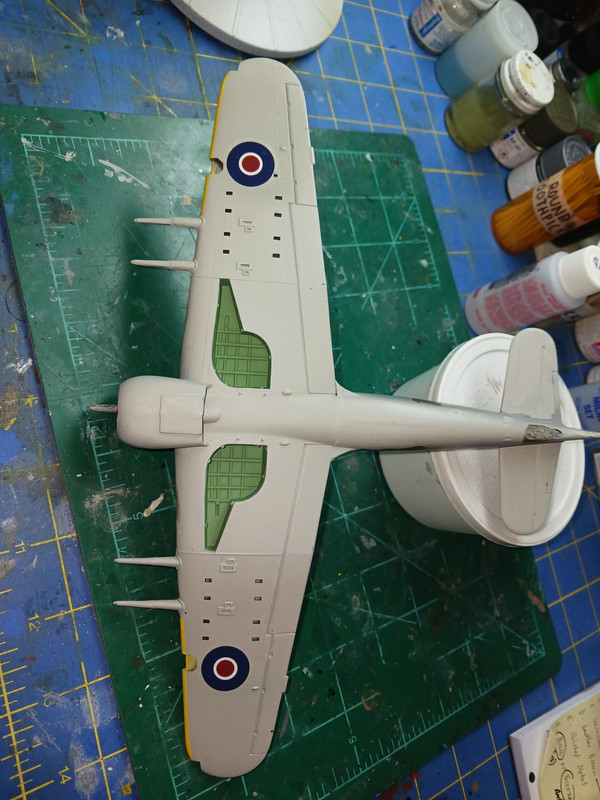
I started with applying the roundels on the bottom side of wings. The first one went one good. Except, it left a yellowish tint on the outside clear edges. I quickly removed it from the model, flipped the decal on its backside and wiped away the ugly tint off and reapplied it back on the wings.
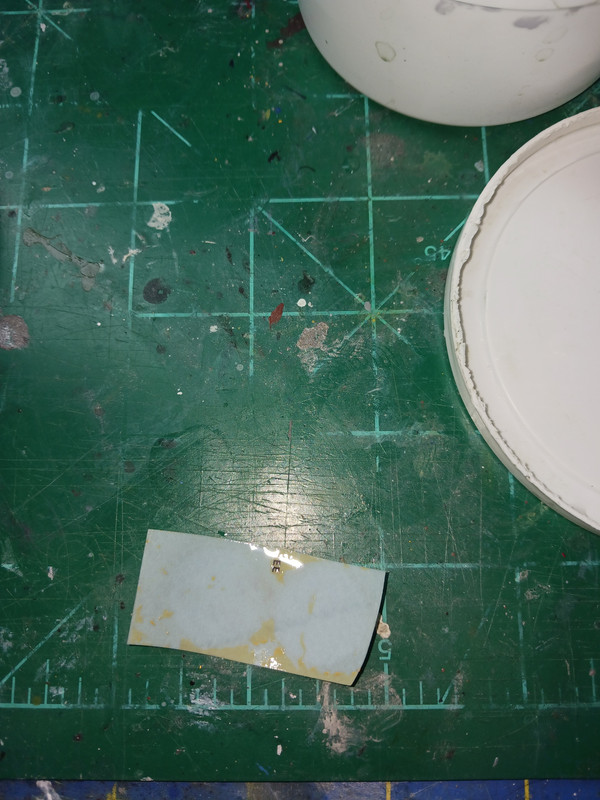
Here's what was left behind after the decals were off the backing paper...
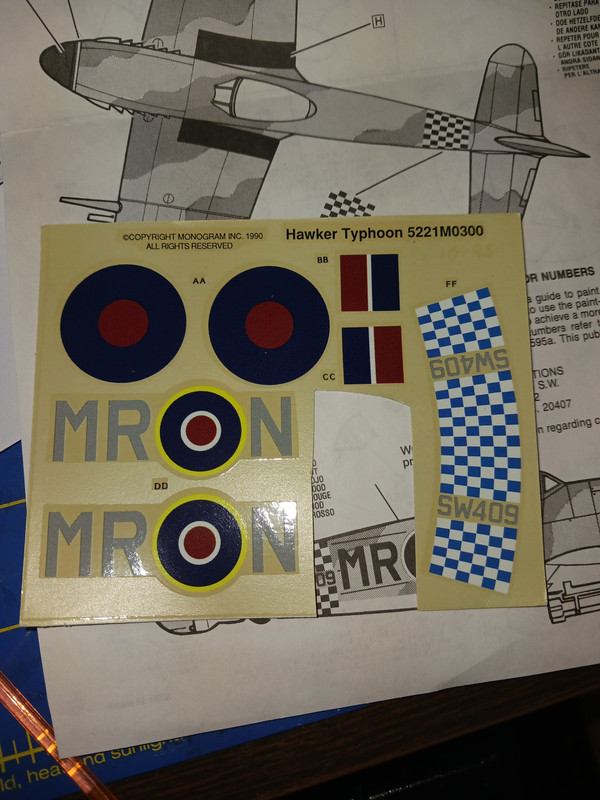
Here's the decal set. I didn't think nothing of it except it looked old and faded.
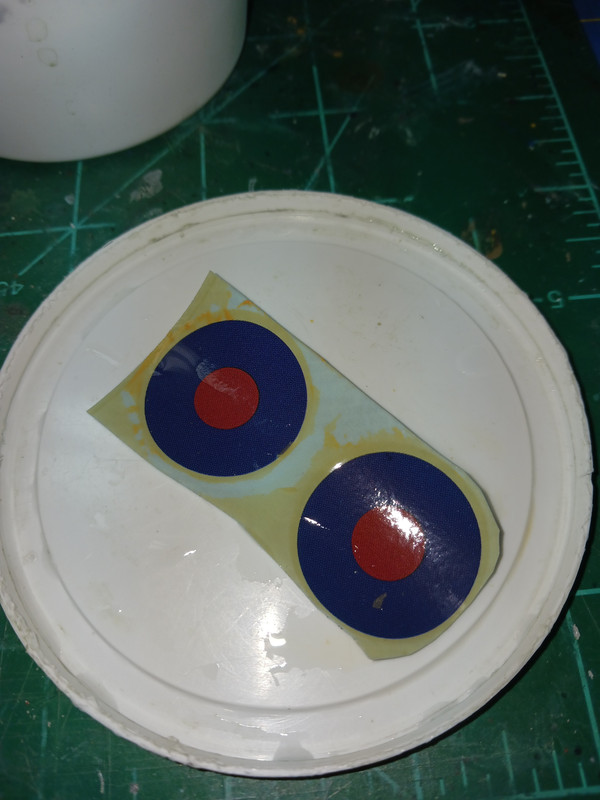
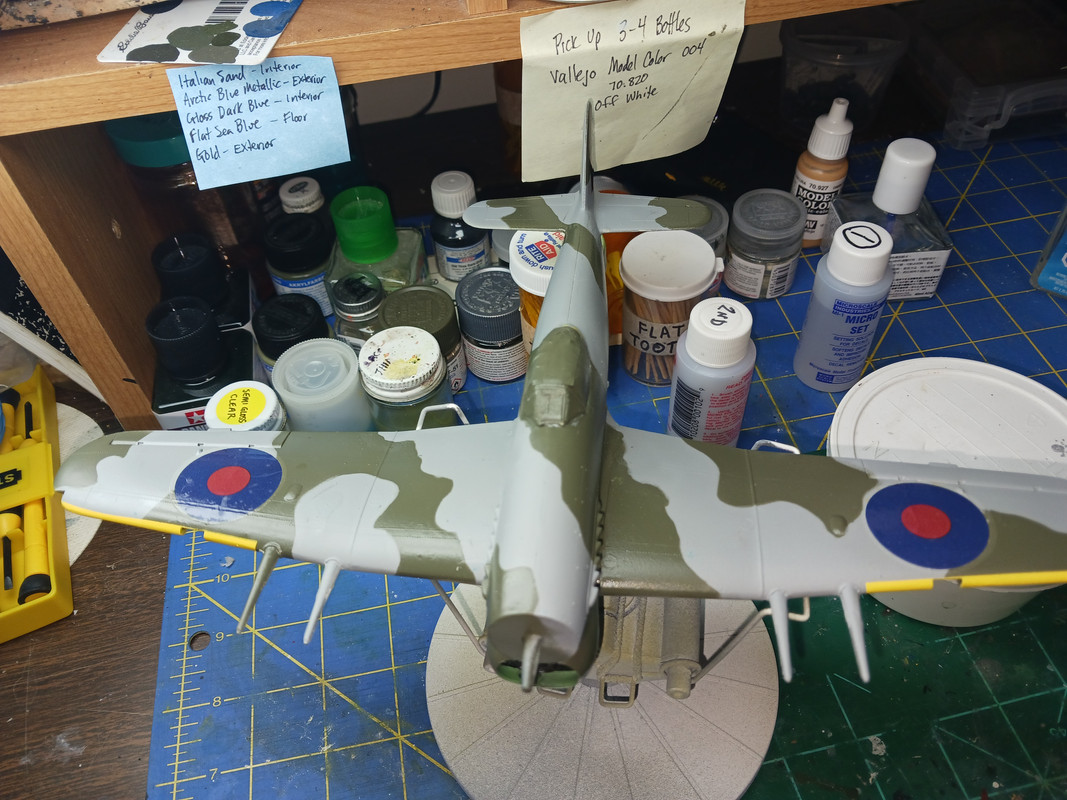
Here's a picture of what the topside roundels looked like after being soaked and I moved one slightly...
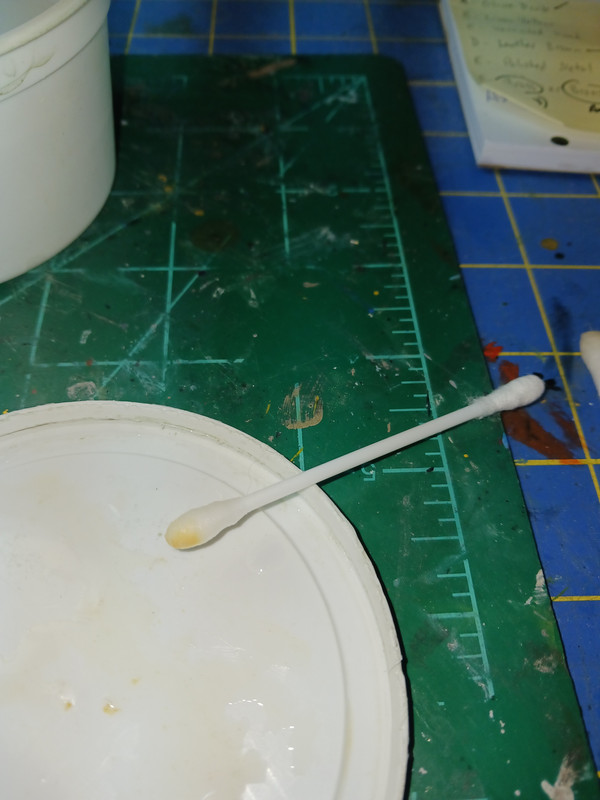
Here's what was left behind on the Q-tip after wiping the yellowish tint from the backside of the decals...
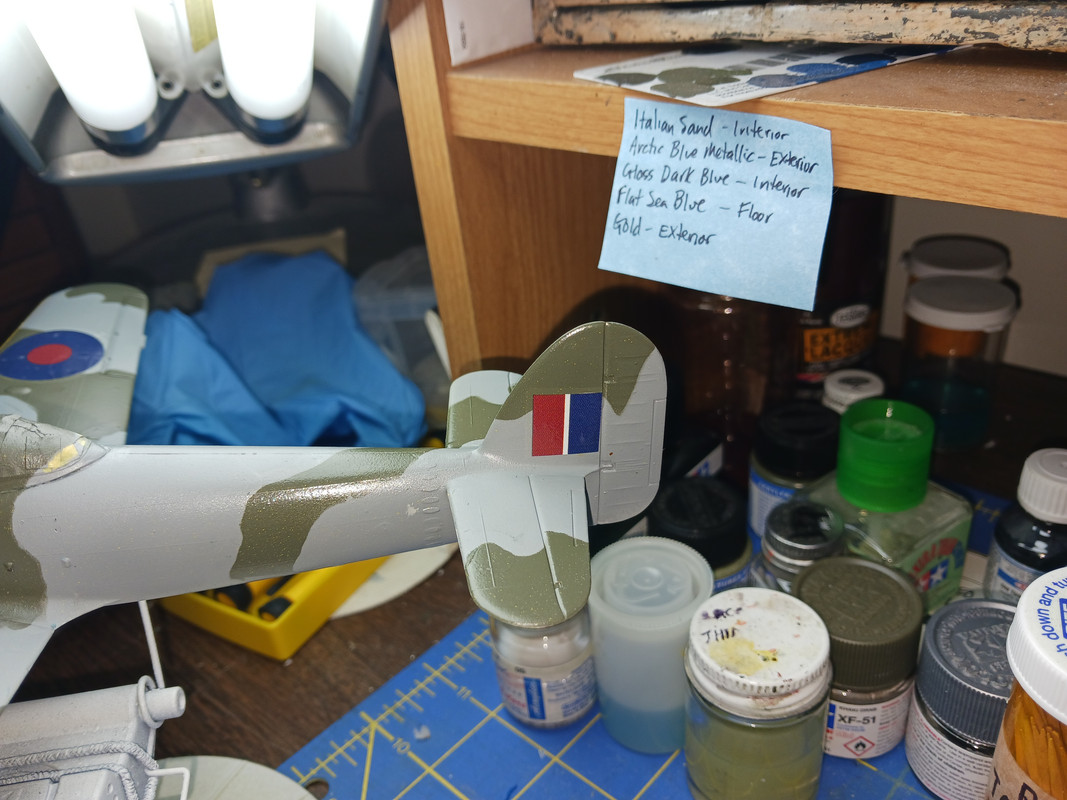
Once the decals are on, they seems to adhere just fine after using Micro Set & Micro Sol.
 web hosting images free
Already this looks like it's gonna be a chore wiping the tints off before applying them the the model.

I'm going to stop here before continuing on with the fuselage decals. I'm curious on what is the cause of the yellowish tint on the decal sheet. I know my sister bought at a thrift store in Maryland and had forgotten about it for a couple of years in her closet until she sent it to me earlier this past fall.
With that being said, either the decals were fading or it was once at a smoker's home prior to her buying it. I didn't smell any smoker odor when I received it (yes, the box was sealed) and while building it.